
Zapier & Webhooks for WordPress
Connect WordPress to 9,000+ apps.
Two-way webhooks for register, login, and profile updates. Outbound events for WooCommerce, membership plugins, forms, LMS tools, and more. Works with Zapier, Make, or any webhook URL.
1,400+
downloads
Two-way
WordPress sync
Instant
webhooks
Outbound
Send WordPress events to Zapier.
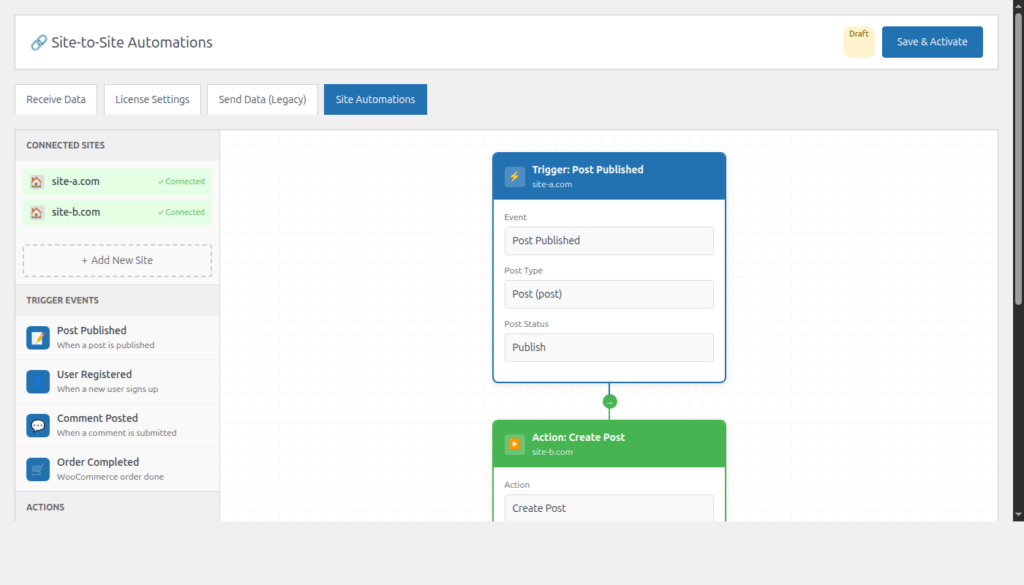
Fire a webhook when a user registers, logs in, or updates their profile. Add WooCommerce, Paid Memberships Pro, Easy Digital Downloads, and custom fields. Conditional logic if you only want some events.
Inbound
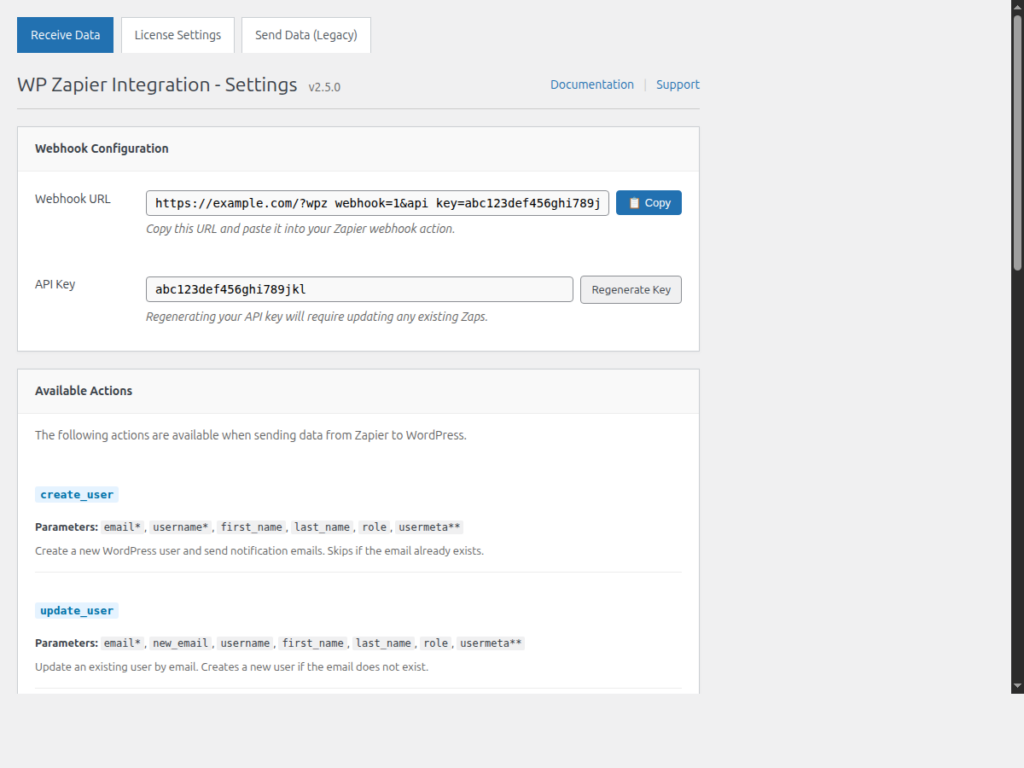
Create and update users from Zapier.
Receive data from Zapier to create, update, or delete a WordPress user. Map roles, user meta, and custom fields without writing code.
What it covers
User sync, plugin triggers, and webhooks to Zapier or anything that accepts them.
Two-way user sync
Send logins and profile changes out. Create, update, or delete users coming back in.
Plugin triggers
15 WordPress plugins: WooCommerce, membership, forms, LMS, MailPoet, and core user events.
Custom webhooks
Zapier, Make, or any webhook URL. Conditional logic so only the right events fire.
How it works
Out to Zapier. Back into WordPress.
Send WordPress events out, or receive Zaps to create, update, or delete WordPress users.
01
Send events out
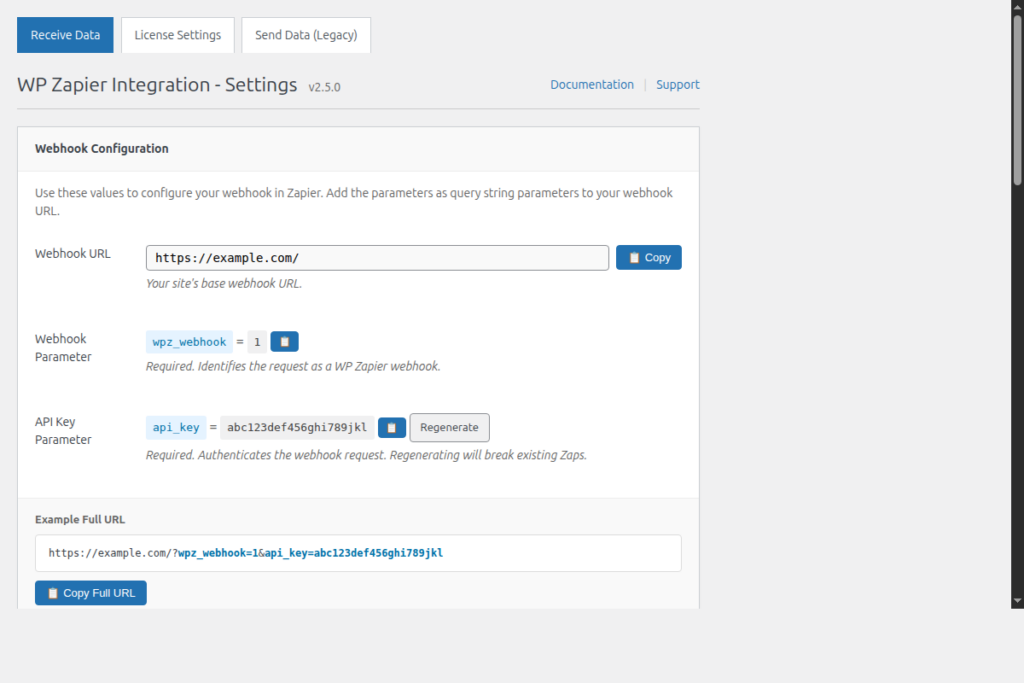
Register, login, profile update, WooCommerce, Paid Memberships Pro, Easy Digital Downloads, and more. Paste a webhook URL and it fires.
02
Receive from Zapier
Incoming requests from Zapier create, update, or delete a WordPress user. Map email, role, and user meta.
03
Map the fields
Data flows both ways: out to Sheets, Slack, HubSpot, or back into WordPress.
Plugin integrations
Outbound events from the current WP Zapier codebase. Each one can post to Zapier, Make, or a custom webhook.
WordPress core
User login, register, profile update, save post, save page.
WooCommerce
New order, order status changed, save product.
Easy Digital Downloads
Customer created/updated, download created, completed payment.
Paid Memberships Pro
After change level, order added, order updated.
MemberPress
Member added, first signup, subscription created, transaction completed.
Ultimate Member
Register, delete, deactivate, approve, status, email confirmed, role update/upgrade.
MailPoet
Subscriber created, updated, deleted, frontend form submission.
Gravity Forms
After form submission, including per-form triggers.
Contact Form 7
Before mail sent, after mail sent, all forms.
Ninja Forms
After form submission.
LearnDash
Quiz, topic, lesson, course completed, access expired, activity, marked incomplete.
LifterLMS
Enroll/remove course, add/remove membership, lesson completed.
Sensei LMS
Start/complete course, start/complete lesson, quiz completed.
Tutor LMS
Course/lesson completed, questions, ratings, enroll, instructor approve/block.
Events Manager
Event created or updated.
More than Zapier
Any webhook. Not just Zapier.
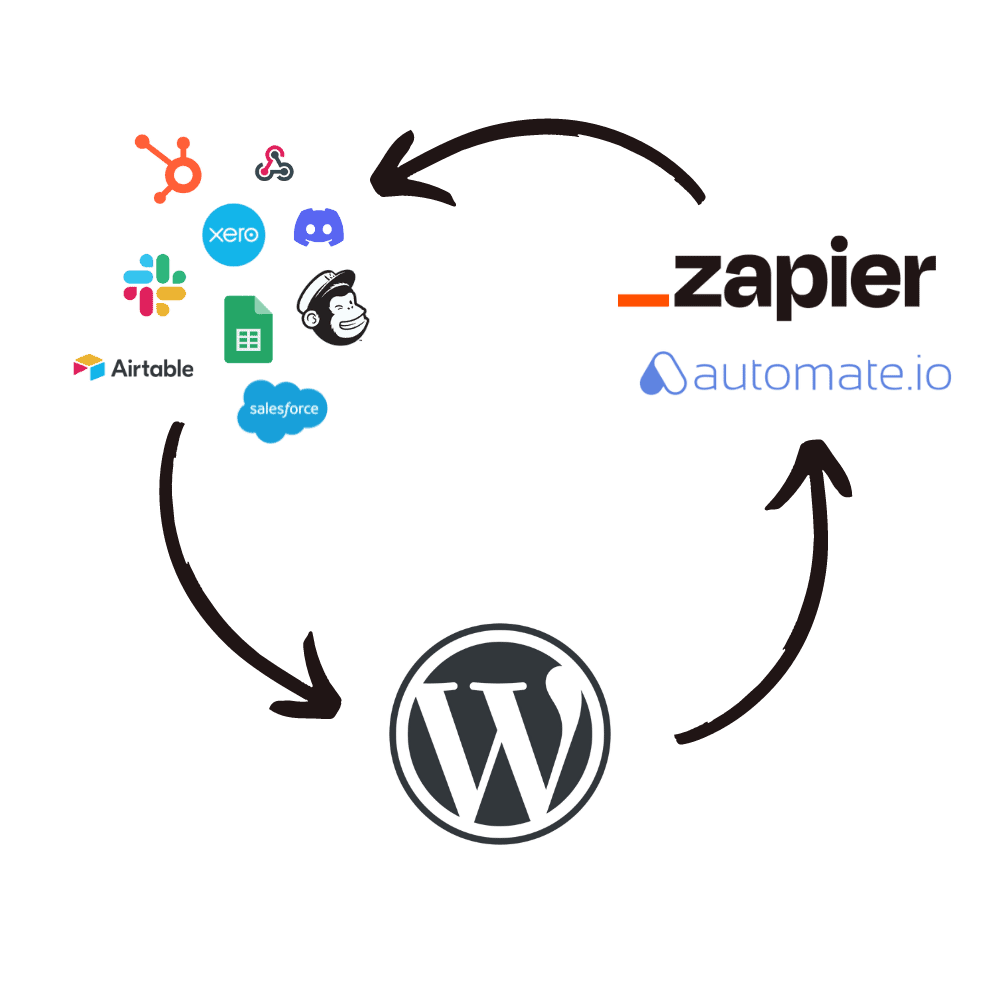
You are not locked into Zapier. Paste any webhook URL and WordPress events POST there — Zapier, Make, n8n, Pabbly, or an endpoint you host yourself.
Same payload either way. Google Sheets, Slack, HubSpot, Mailchimp, Xero, a custom CRM — if it accepts a webhook, it works.
Need to receive data WordPress does not handle yet? Write a custom webhook handler. The plugin authenticates the request; your code decides what happens with the payload — user meta, a custom post type, or another plugin. Custom webhook guide.
What people actually say
Verified reviews from customers on this plugin.
★★★★★
Game changer for MailPoet
“This plugin makes a huge difference in how useful MailPoet is for me. Being able to use Zapier with MailPoet means I can build pretty much any integration I need. Yoohoo was really responsive.”
Alexandra McLarty
★★★★★
Easy to use, excellent support
“The plugin worked perfectly and was really easy to use. When I had an issue not directly related to the plugin Yoohoo went above and beyond to help. I cannot recommend this developer or plugin enough.”
Marcus Ryan
★★★★★
WordPress to Klaviyo, made easy
“We use the WP Zapier plugin to connect WordPress and Klaviyo to send newsletters when new posts are made to different site blogs. This made navigating the different APIs incredibly easy. Definitely recommend!”
dougj
Zapier & Webhooks Pricing
One year of updates and support.
1 SITE
$47/yr
- Two-way Zapier webhooks
- Plugin triggers + custom fields
- Conditional outbound events
- 1 year updates & support
5 SITES
$97/yr
- Two-way Zapier webhooks
- Plugin triggers + custom fields
- Conditional outbound events
- 1 year updates & support
UNLIMITED SITES
$147/yr
- Two-way Zapier webhooks
- Plugin triggers + custom fields
- Conditional outbound events
- 1 year updates & support
Secure checkout with PayPal or Stripe
Need more than this plugin? All Access from $79/yr.
14-day, no-questions-asked refunds.
If it is not a fit, you get 100% of your money back.
Reviews
 Great plugin, easy to integrate!
We use the WP Zapier plugin to connect wordPress and Klaviyo to send newsletters when new posts are made to different site blogs. This made navigating the different APIs incredibly easy. Definitely recommend!
 Amazing plugin
The plugin worked perfectly and was really easy to use. When I had an issue not directly related to the plugin Yoohoo went above and beyond to help. I cannot recommend this developer or plugin enough.
 Love, love, love this plugin (And support)!
This plugin makes a huge difference in how useful MailPoet is for me. I love MailPoet, but it’s really lacking in integrations. Being able to use Zapier with MailPoet means I can build pretty much any integration I need, which is a total game changer!
I set up my Zap incorrectly at first, and Yoohoo was really responsive to my issue and kindly showed me how to get it working correctly. I can tell I’m in good hands!
You must log in to submit a review.