
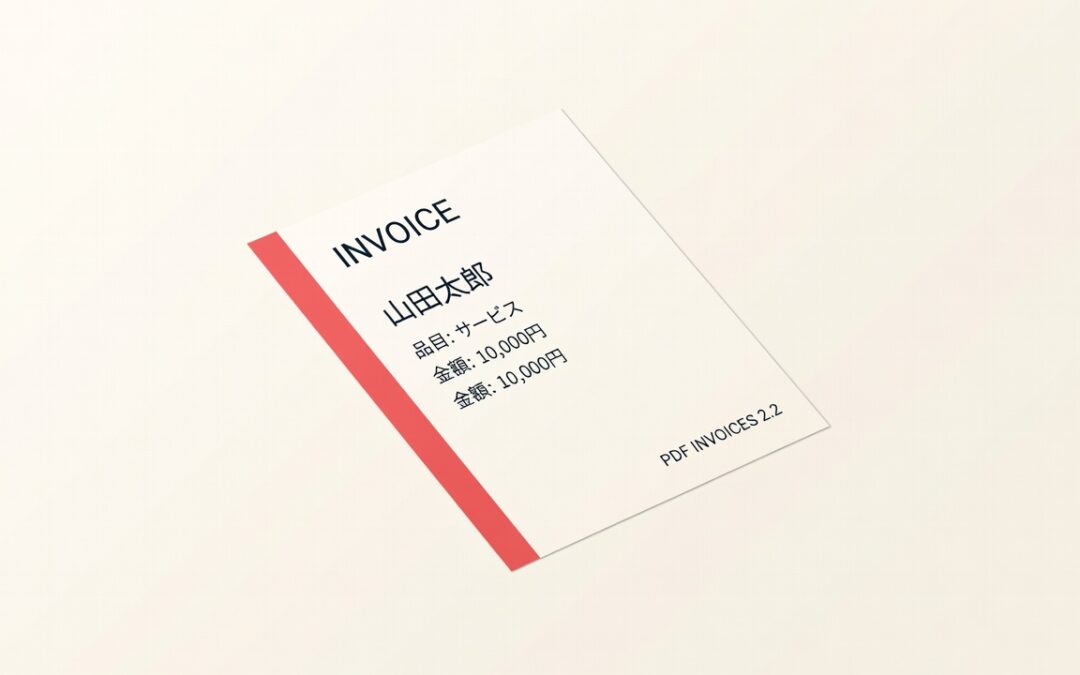
Japanese, Chinese, Korean, Arabic, and other non-English names have been showing as blank squares (□) on PDF invoices. PDF Invoices 2.2 puts a Noto font stack on every built-in template so those characters print correctly.
Noto fonts on every built-in template
Default, Corporate, Green, and Split now load Noto Sans plus the matching Noto families for Japanese, Simplified Chinese, Traditional Chinese, Korean, Arabic, Hebrew, Thai, and Devanagari. English still uses Noto Sans. Other scripts fall through to the right family instead of tofu boxes.
Arabic and Hebrew glyphs should appear. Full right-to-left layout is still limited by Dompdf.
If you already saved a custom template, re-apply Default, Corporate, Green, or Split so the new stack is copied in. Then regenerate invoices from the Tools tab if older PDFs still show boxes. See Japanese and non-English fonts in PDF Invoices.
Bug fixes
- UTF-8 text. Non-Latin invoice content could render incorrectly. 2.2 keeps UTF-8 through PDF generation.
- Dompdf conflicts. Dompdf is isolated so it does not clash with another plugin’s copy of the same library.
- Missing membership level. Generating a PDF for an order with no membership level or a deleted user could throw PHP warnings. 2.2 now falls back to empty placeholders instead.
How to update
License holders can download 2.2 from File downloads, or update from WordPress if the license is active. First PDF generation after the update may be slower while Dompdf caches the new fonts.
New to the plugin? Get PDF Invoices from the product page.
Changelog
- ENHANCEMENT: Built-in PDF templates now use a stacked Noto font family so Japanese and other non-English characters render instead of blank squares.
- BUG FIX: Fixed an issue where UTF-8 invoice text could render incorrectly.
- BUG FIX: Isolated Dompdf dependencies to prevent conflicts with other plugins.
- BUG FIX: Avoid PHP warnings when generating a PDF for an order with no membership level or a deleted user.
If something looks off after updating, contact support.