

Table of Contents
- Is Caldera Forms discontinued?
- Choose the replacement before rebuilding
- Build a migration inventory
- Export what you must retain
- Rebuild on staging
- Migrate integrations carefully
- Switch traffic without losing submissions
- What to do with old anti-spam content
- Conclusion
Is Caldera Forms discontinued?
Yes. According to the official Caldera Forms closure notice, Caldera Forms closed on 5 April 2022. Updates and support for the core plugin and its add-ons were discontinued. The notice warns that unmaintained software becomes a growing security and compatibility risk.
The same notice now states that the automated Caldera-to-Ninja Forms conversion tool was deprecated in January 2024 and no longer receives updates or support. Sites that still use Caldera Forms should plan a manual, tested migration rather than waiting for a future converter.
Do not deactivate the old plugin before you have rebuilt, tested, and documented every live form and integration.
Choose the replacement before rebuilding
There is no universal best form plugin. Choose the replacement that covers the site's actual requirements with the fewest unnecessary add-ons.
Common candidates include Ninja Forms, Gravity Forms, Fluent Forms, Formidable Forms, and WPForms. Compare them against a written requirements list:
- field types and conditional logic;
- multi-page forms and calculations;
- saved submissions and export tools;
- email routing and attachments;
- payments and subscriptions;
- spam protection and CAPTCHA options;
- CRM, email marketing, and webhook integrations;
- accessibility and multilingual support;
- data-retention and deletion controls;
- licence cost across the required number of sites.
The original Caldera team pointed users toward Ninja Forms and noted that many Caldera add-ons had Ninja Forms alternatives. That does not remove the need to compare the current feature and pricing matrix for your site. Ninja Forms also explains that its normal form export does not directly import historical submission data, so verify the current migration limitations before selecting it.
Build a migration inventory
Create one row for every active form. Record:
- form name and every page where it appears;
- fields, labels, defaults, validation, and conditional logic;
- success message and redirect behaviour;
- administrator and customer emails;
- stored entries and retention requirements;
- calculations, payments, file uploads, and signatures;
- connected add-ons, webhooks, CRM, and spreadsheet workflows;
- spam controls and blocked-submission behaviour;
- analytics goals or conversion events;
- the person responsible for approving the replacement.
Use a current database and file backup before exporting or changing anything. The WordPress backup handbook explains why a restorable backup needs both the database and site files. Treat form entries as personal data and store exports in an access-controlled location.
Export what you must retain
Export entries from Caldera Forms before the migration and confirm that the file opens correctly. Keep the original field names and IDs in the inventory because integrations may rely on them.
Also capture screenshots of:
- form layouts;
- processor and email settings;
- conditional rules;
- success messages;
- payment or webhook configuration;
- embed locations.
Do not assume a form-definition export will include historical submissions, uploaded files, payment records, or third-party data. Verify each data type separately.
Rebuild on staging
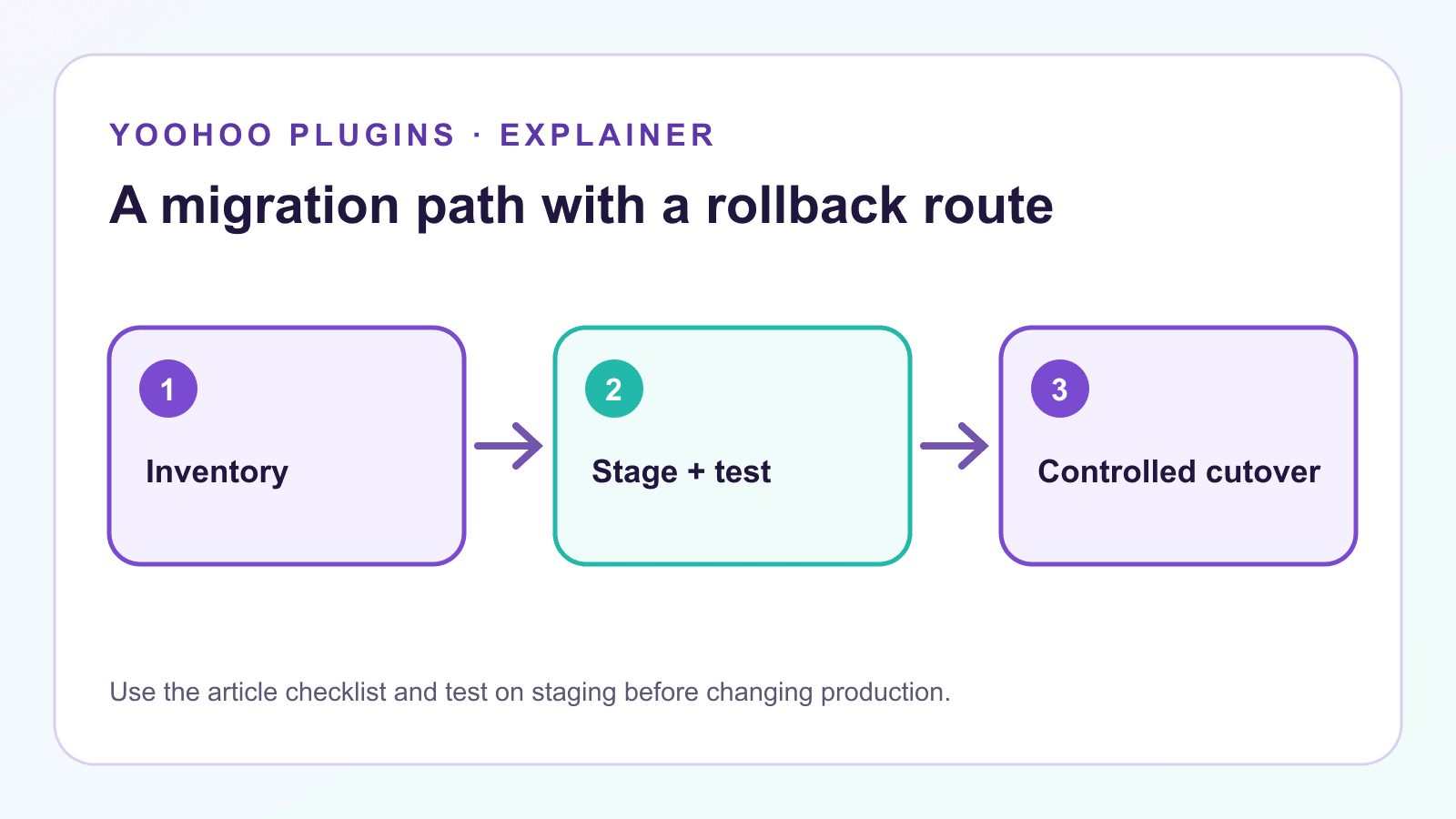
Install the chosen replacement on a staging copy. Rebuild the simplest form first and agree on a repeatable pattern for labels, required fields, email templates, spam controls, and success messages.
For every form:
- recreate the visible fields and validation;
- rebuild conditional logic one rule at a time;
- configure email recipients and reply-to behaviour;
- reconnect webhooks and external services with test credentials or test records;
- check privacy notices and consent fields;
- submit on desktop and mobile;
- test keyboard navigation and error messages;
- compare the received entry and emails with the old form.
For high-risk workflows such as payments, registrations, support requests, or file uploads, test success, failure, duplicate submission, and interrupted-session paths.
Migrate integrations carefully
The form itself may be the smallest part of the migration. A submission can trigger email, CRM updates, spreadsheets, account creation, payments, or custom PHP.
Make a simple flow map for each integration:
Form submission -> WordPress action -> webhook or add-on -> destination -> confirmation
Test every stage with labelled test data. If the workflow uses webhooks, our WordPress webhook security checklist explains how to minimise payloads, authenticate requests, and avoid logging sensitive values.
Switch traffic without losing submissions
Schedule the cutover for a lower-traffic period and name an owner. Immediately before the change:
- take a fresh backup;
- export new Caldera entries received since the staging copy was made;
- replace each embed or shortcode;
- clear relevant caches;
- submit one live test through every critical form;
- confirm the entry, email, redirect, and integration at the destination.
Keep Caldera Forms installed but inactive for a short, documented rollback window if that fits your security policy. Do not leave both versions visible and accepting real submissions.
What to do with old anti-spam content
If your site has articles or documentation about Caldera Forms anti-spam, add a visible notice near the top. For example, our older Caldera Forms anti-spam guide should be treated as historical guidance rather than a reason to keep the discontinued plugin in production.
Caldera Forms closed in April 2022 and no longer receives updates or support. Its former automated migration tool was deprecated in January 2024. This page is retained for historical reference; use our current migration guide before continuing to run Caldera Forms on a production site.
Link the notice to this guide. Do not continue presenting a Caldera-specific add-on as the recommended long-term solution.
Conclusion
Caldera Forms is discontinued, and its old automated converter is no longer a supported migration route. A safe move starts with an inventory, protects historical submissions, rebuilds and tests on staging, maps every integration, and switches traffic under a rollback plan.
The goal is not only to reproduce the form. It is to preserve the complete business workflow around each submission.
If the replacement form sends data to other systems, review our WordPress webhook security checklist and the WP Zapier integration before reconnecting live traffic.