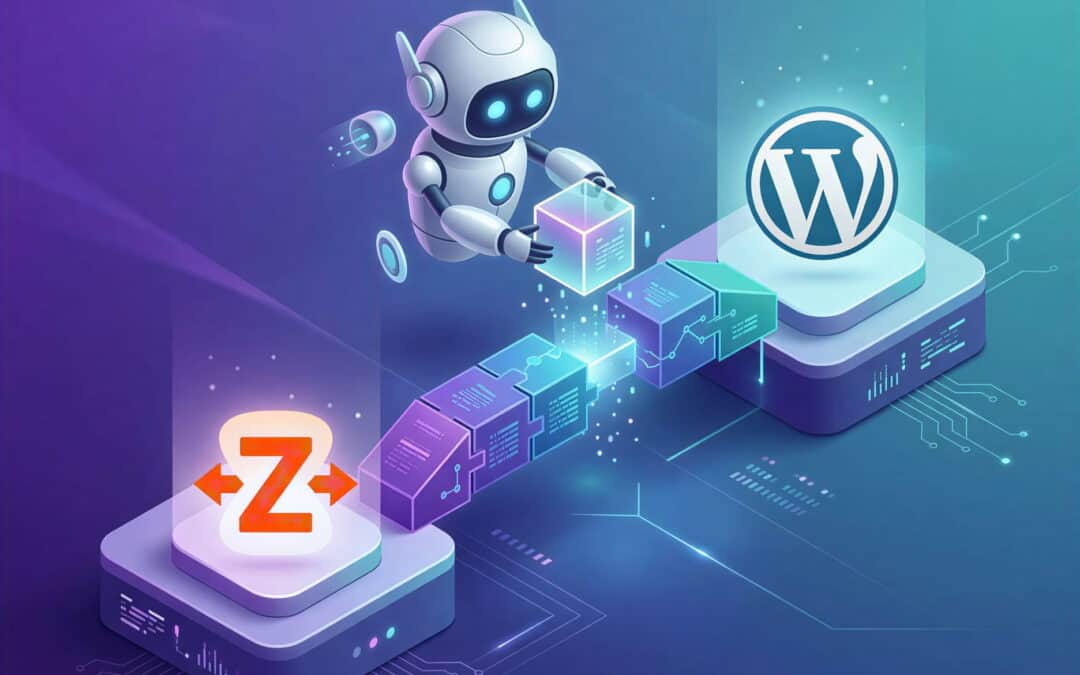
If you have spent any time managing websites in the last few years, you already know that automation is the absolute key to scaling your business efficiently. Whether it means adding a new user after a WooCommerce purchase or automatically updating your CRM when a Gravity Form is submitted, we rely heavily on tools like Zapier to bridge the gap.
However, keeping track of complex multi-step “Zaps,” setting up conditional filters, and correctly formatting data can quickly become overwhelming for non-developers.
Enter the most significant trend for web automation in 2026: building a Zapier AI Copilot WordPress workflow.
What is Zapier AI Copilot?
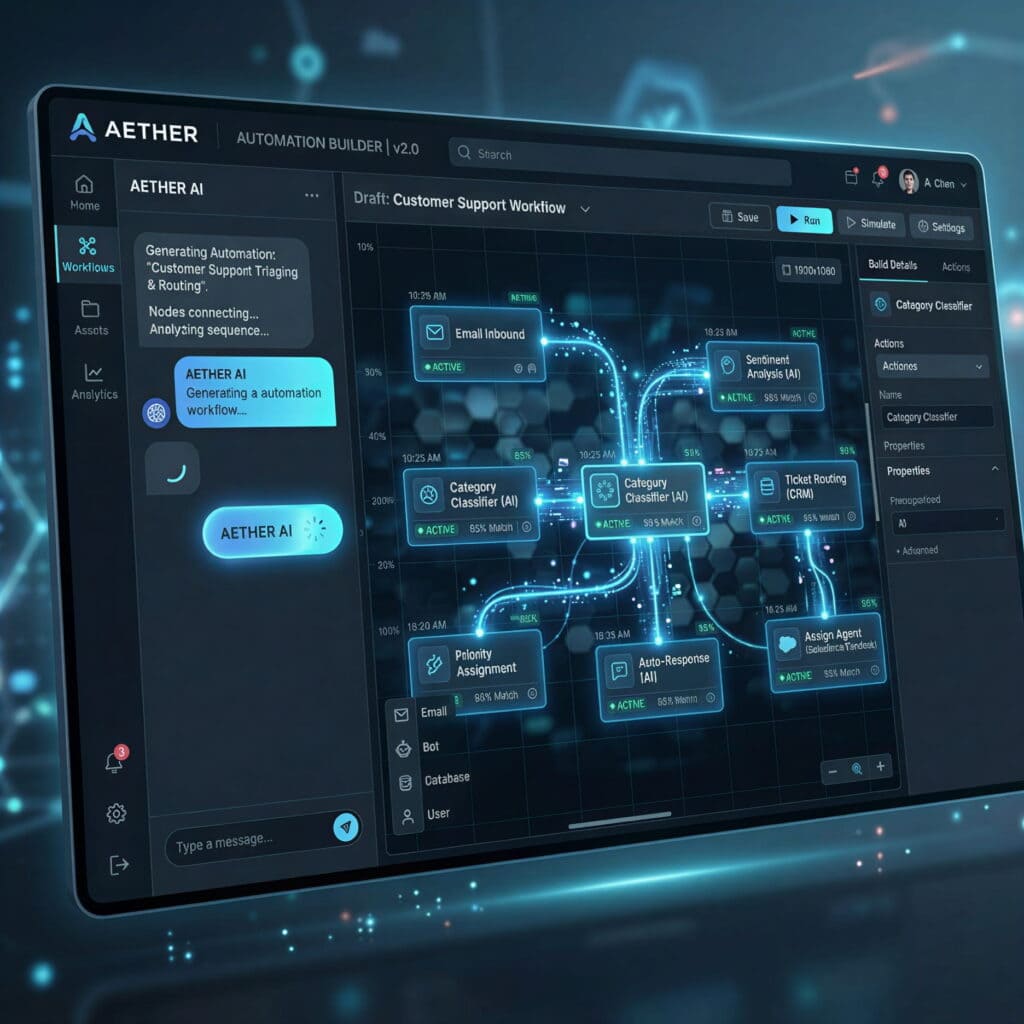
Zapier Copilot isn’t just a minor UI update; it is an entirely new paradigm for building integrations. Instead of manually dragging and dropping apps, hunting for triggers, and filling out dozens of field mapping boxes, Copilot lets you build complete workflows using conversational natural language.
Industry data from 2026 shows that Copilot can reduce complex automation build times from 15-30 minutes down to under 60 seconds. You simply type what you want into a chat box. For example:
“When a user fills out the ‘Consultation Request’ Gravity Form on my WordPress site, check if their email address already exists in HubSpot. If it doesn’t, create a new contact. Then, use WP Zapier to automatically upgrade their user role to ‘Subscriber’ in WordPress.”
Within seconds, the AI Copilot maps out the entire workflow, automatically configures the triggers, and even handles the complex data formatting steps for you.
Why a Zapier AI Copilot WordPress Setup Matters
1. Zero-Code Complex Automations
Previously, if you wanted to connect your WordPress forms to an external CRM and handle conditional logic (e.g., “Only add to the mailing list if they checked the opt-in box”), it required an advanced understanding of Zapier’s “Paths” tool.
Now, the AI Copilot intrinsically understands conditional statements. It drastically lowers the barrier to entry, meaning any site owner can generate enterprise-grade automation systems without writing a single line of code or watching countless tutorials.
2. Perfect Synergy with WP Zapier
When dealing with intricate user management tasks, utilizing a dedicated connection tool inside WordPress is vital. Plugins like WP Zapier act as the perfect anchor point for your Copilot-generated workflows.
Because WP Zapier exposes clear, secure inbound webhook endpoints for actions like create_user and update_user, Zapier’s AI Copilot can effortlessly securely map out actions that send data back into your WordPress installation.
3. Zapier Agents: From Chat to Autonomous Action
Building on the foundation of Copilot, Zapier’s rollout of “Zapier Agents” throughout 2025 and 2026 has been a game-changer. Following their structural shift in May 2025 to focus heavily on autonomous automation rather than basic chat interfaces, these Agents operate as sophisticated AI teammates.
Rather than executing a static 1-to-1 trigger, these autonomous Agents can work 24/7 without supervision. They can actively manage errors, make dynamic decisions based on the data they receive from your WordPress site, and handle multi-step customer service routines completely on their own, scaling via a pay-per-task model.
Getting Started Today
The landscape of web automation is permanently shifting from manual drag-and-drop configuration to AI orchestration. If you haven’t recently checked out the new AI tools inside your Zapier account, you are missing out on massive time savings and capabilities.
Ready to supercharge your WordPress site?
Make sure you have a rock-solid technical foundation for securely sending and receiving data to AI agents. Grab the WP Zapier plugin today to ensure your WordPress site is ready to speak fluently with your new Zapier AI Copilot workflow!