
Table of Contents
- Direct answer
- How to verify the hook on your site
- The reliable WordPress core alternative
- When the core hook is not specific enough
wpuf_profile_updateversusprofile_update- Conclusion
Direct answer
wpuf_profile_update is searched as though it were a standard WordPress hook, but it is not part of WordPress core. It has been associated with WP User Frontend profile-edit workflows, and its availability or arguments may depend on the WPUF edition and version installed on a site.
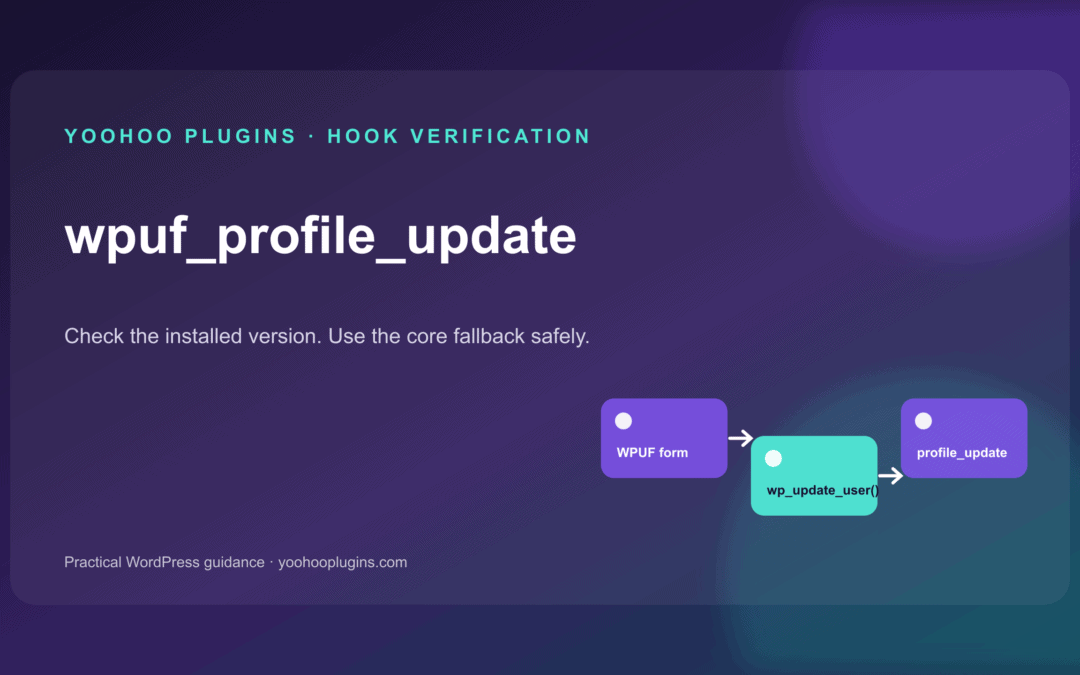
As of 11 August 2026, the hook name does not appear in the current public develop branch of the WP User Frontend repository. The public account-profile handler calls WordPress's wp_update_user() function, which in turn triggers the core profile_update action for an existing user.
That distinction matters: do not copy a callback for wpuf_profile_update until you have confirmed the actual do_action() line in the exact plugin files running on your site.
Version note: The hook may still exist in a paid module, a legacy release, or custom site code that is not present in the public repository. Treat the installed code as the authority.
How to verify the hook on your site
Use a staging site or a local copy of the exact plugin version. Search the WPUF plugin folders for the literal text wpuf_profile_update.
If you have command-line access, run this from the WordPress root:
grep -R "wpuf_profile_update" wp-content/plugins/wp-user-frontend* -n
You are looking for a line that begins with do_action(), not only an add_action() callback from another customization. The do_action() line tells you:
- whether the hook exists in that build;
- where it fires in the save process;
- how many arguments are passed;
- the order and meaning of those arguments.
If the search returns no result, the hook cannot fire from those plugin files. Do not register a callback and assume that silence means your callback is broken.
The reliable WordPress core alternative
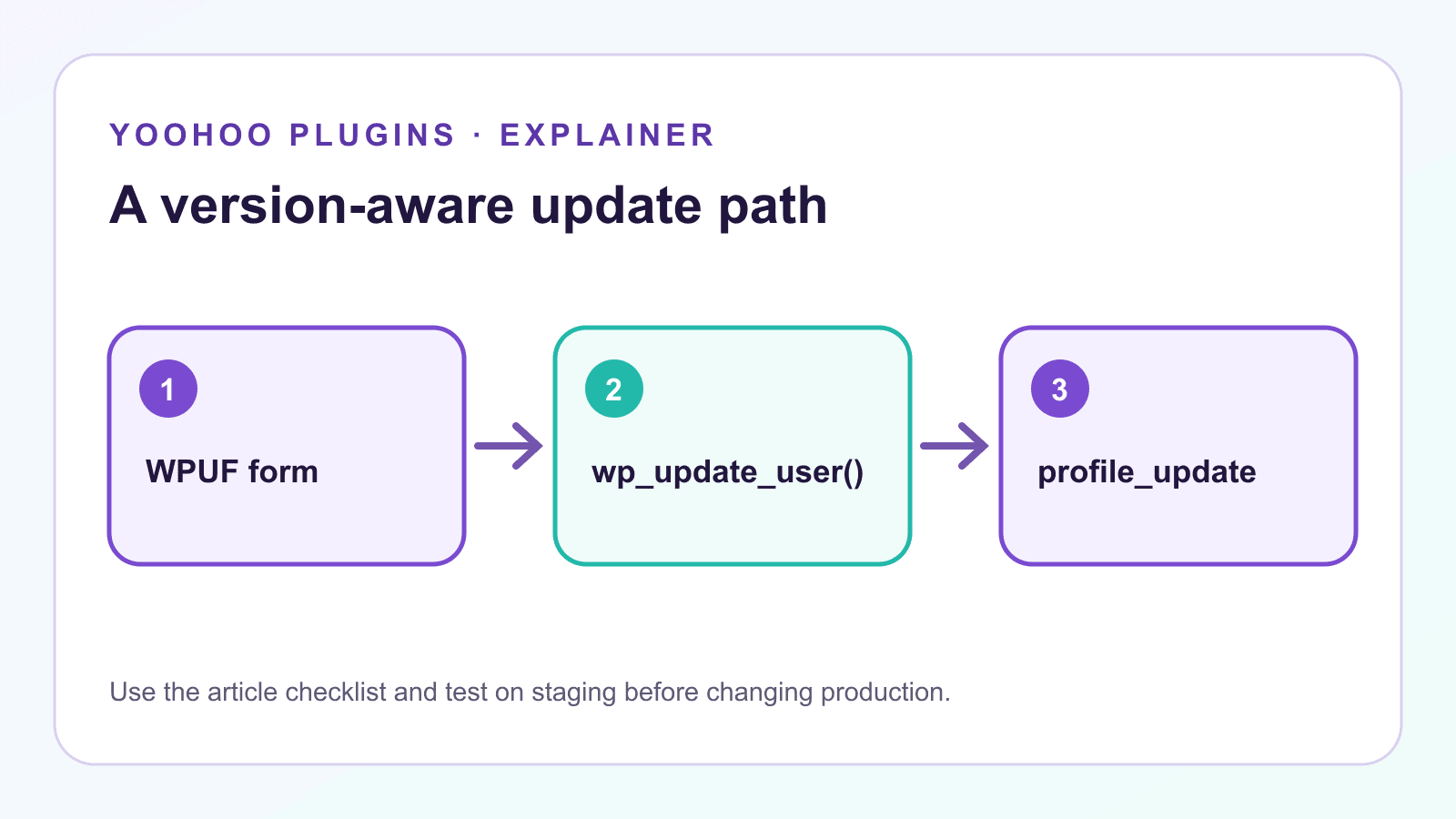
WordPress fires profile_update immediately after an existing user is updated. It passes the user ID, the previous WP_User data, and the raw user-data array supplied to wp_insert_user().
The example below emails the site administrator only when the user's email address changed. Add it through the Code Snippets plugin or a small site-specific plugin, test it on staging, and avoid editing WPUF itself.
/**
 * Notify the site administrator when a user's email address changes.
 *
 * @param int     $user_id       Updated user ID.
 * @param WP_User $old_user_data User data before the update.
 * @param array   $userdata      Raw values passed to wp_insert_user().
 */
function yoohoo_notify_admin_of_email_change( $user_id, $old_user_data, $userdata ) {
	$updated_user = get_userdata( $user_id );

	if ( ! $updated_user instanceof WP_User ) {
		return;
	}

	if ( $old_user_data->user_email === $updated_user->user_email ) {
		return;
	}

	$subject = sprintf(
		'User email changed on %s',
		wp_specialchars_decode( get_bloginfo( 'name' ), ENT_QUOTES )
	);

	$message = sprintf(
		"User ID: %dnOld email: %snNew email: %s",
		$user_id,
		$old_user_data->user_email,
		$updated_user->user_email
	);

	wp_mail( get_option( 'admin_email' ), $subject, $message );
}
add_action( 'profile_update', 'yoohoo_notify_admin_of_email_change', 10, 3 );
The callback compares trusted user objects rather than reading unsanitized request data. It also returns early when the email did not change, which prevents unnecessary messages.
When the core hook is not specific enough
profile_update can run for updates from wp-admin, password-reset flows, REST or custom code, and frontend forms that call the normal WordPress user-update functions. If your automation must run only for one WPUF form, a general core callback may be too broad.
In that case:
- Confirm the form-specific action in your installed WPUF code or official documentation for that edition.
- Record its exact arguments and version.
- Add strict checks for the expected form or context.
- Test one relevant profile update and one unrelated update.
- Keep the customization outside the plugin so updates do not overwrite it.
Do not detect a WPUF save by trusting a public request field alone. A request value is not proof that a legitimate form and nonce were processed.
wpuf_profile_update versus profile_update
Use wpuf_profile_update only when your installed WPUF build defines it and you need that narrower event. Use the WordPress core profile_update action when the desired behavior should follow any successful existing-user update.
This version-aware approach is safer than assuming the two hooks are interchangeable. It also makes future maintenance easier: a developer can see which plugin version and action signature the customization was built against.
Conclusion
The key fact about wpuf_profile_update is not a copied callback signature. It is that the hook is plugin-specific and must be checked against the exact WPUF code running on the site. The current public branch does not expose that action name, while its public account handler uses wp_update_user() and therefore reaches WordPress's documented profile_update action.
Verify first, use the narrow plugin hook only when it is genuinely available, and use the core alternative when the behavior should follow normal WordPress profile updates.